A drama episode that freezes at the cliffhanger is a special kind of cruelty. Buffering in the HI TV app almost always has an ordinary cause — a connection that cannot sustain the chosen quality, a phone juggling too much at once, or a source under load at peak evening hours — and ordinary causes have ordinary fixes.
Separate normal from abnormal first: a few seconds of loading when an episode starts is healthy, while freezing that returns mid-episode is the fault worth chasing. This guide works through it in order.
Start With Your Connection
Before changing a single setting, run an experiment: stream the same episode on another device sharing your Wi-Fi. If it stutters there too, the network is at fault and no app setting will rescue it. If the other device plays cleanly, the problem lives in your phone, and the later sections are yours.
Router distance outweighs the speed printed on your bill. A fast plan arriving through two walls and a floor arrives weakly; moving closer for a test, or raising the router somewhere central, fixes more buffering cases than any option inside any app.
Lower the Stream Quality
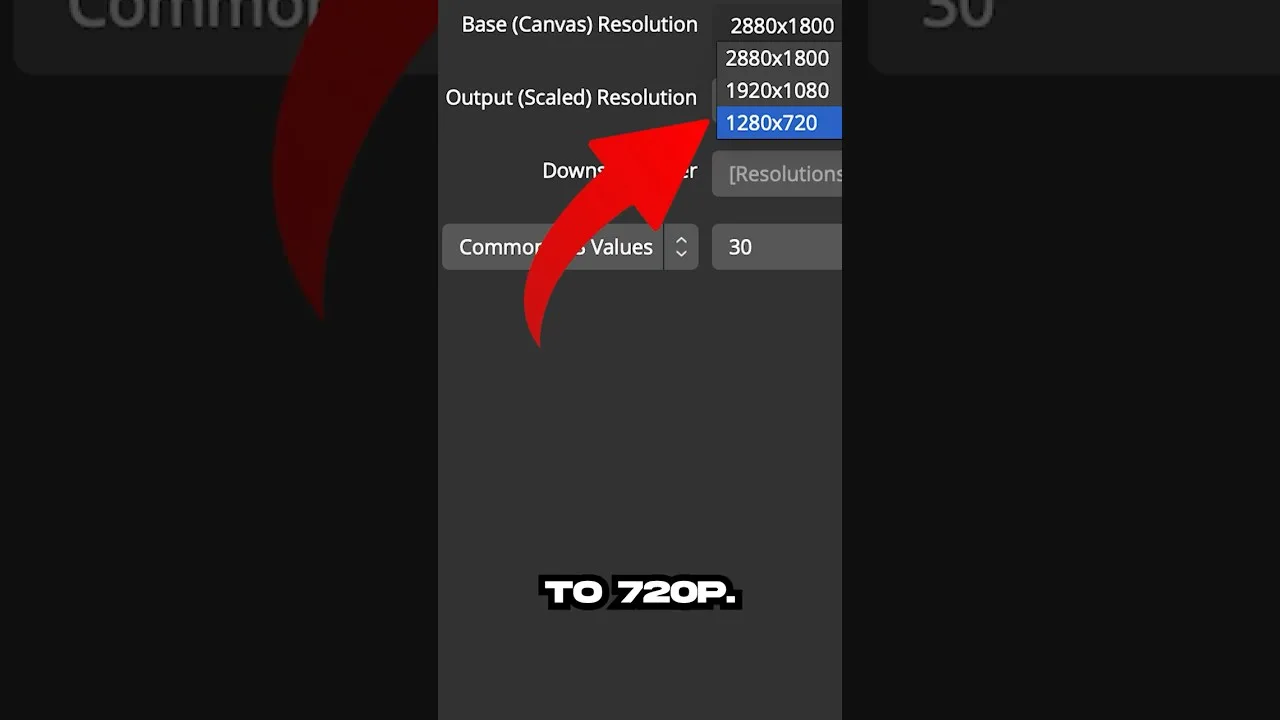
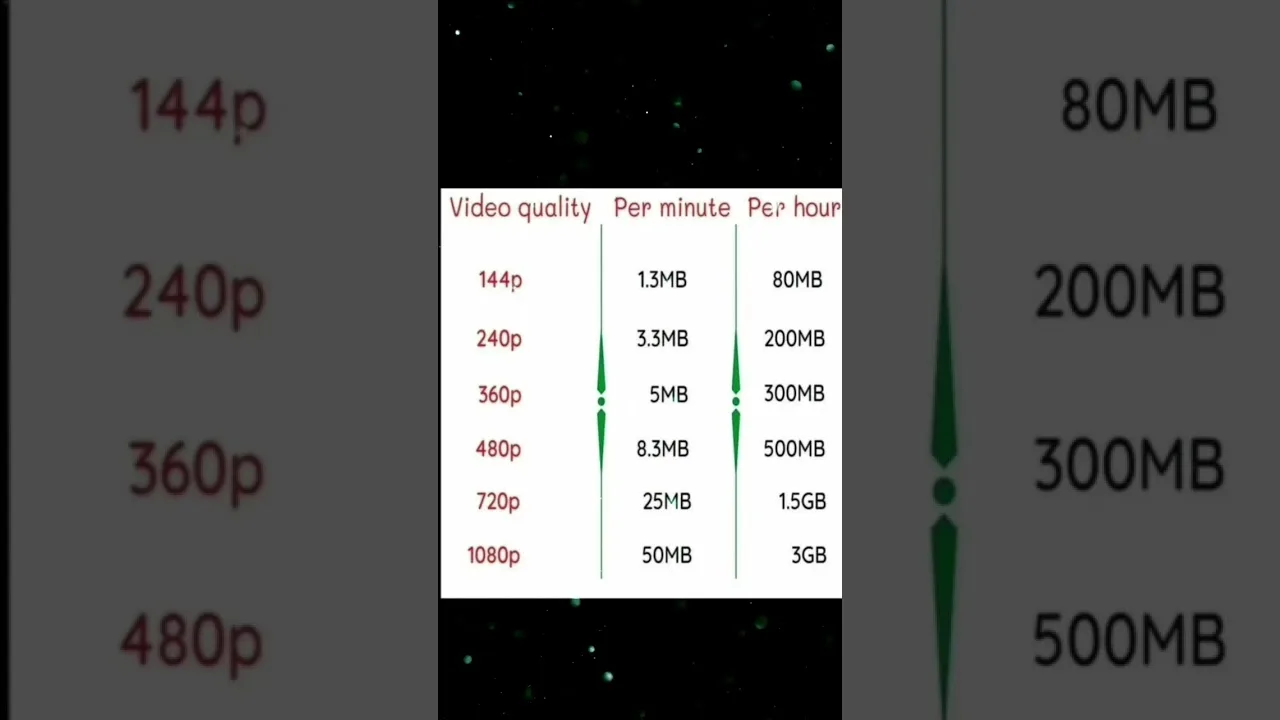
Quality is the biggest lever under your control. Each step up multiplies the data your connection must deliver every second, and a network content at standard quality may fail at the top setting the moment anything else competes for bandwidth. Drop a level and judge stability over specifications.
On a phone screen, mid-level quality looks far better than people expect because the display is small and close. Save the highest settings for a tablet or television, where the screen can actually show the difference you are paying for in data.
Restart, Close, and Download Ahead
Restart the phone itself when buffering appears suddenly: a restart clears stalled background processes and renegotiates the Wi-Fi connection, resolving a surprising share of abrupt problems. Close heavy background apps and pause uploads during viewing.
HI TV's offline viewing offers the definitive answer for a known-weak connection: download episodes on good Wi-Fi and watch them buffer-free anywhere. The routine is covered in our offline viewing guide, and when streaming problems run deeper, our not working fixes work through them.
When the Source Is the Problem
Sometimes nothing at home is wrong: the source is overloaded, classically in the evening hours when a popular drama drops new episodes and everyone arrives at once. The tell-tale signs are one series struggling while others play perfectly, or the same episode failing in a friend's house too.
Then patience — or a download queued for later — is the genuine fix. Recognising a source problem saves you from dismantling a home setup that was never broken.