A modest phone is no barrier to keeping up with your series; it simply asks for a tidier setup than a flagship does. HI TV Android app is light by design, and on low-end hardware the gap between frustration and perfectly watchable is usually storage pressure — downloads included — background clutter, and a quality setting one notch too high.
Aim for reliability over records. A budget phone will not open menus instantly, but it can play stable episodes for hours, especially downloaded ones, if you give it room to work.
Free Up Storage First
Android slows sharply when storage is nearly full because the system needs working space of its own. Keep one to two gigabytes free. On a streaming phone the downloads folder is a prime suspect alongside the usual hogs — photos, videos, and messaging apps hoarding years of media.
Delete finished series from downloads promptly; they have done their job. Clear the downloads folder of stray files, empty large caches, and uninstall the apps nobody opens — every installed app can run background services on your behalf.
Choose Lighter Playback Settings
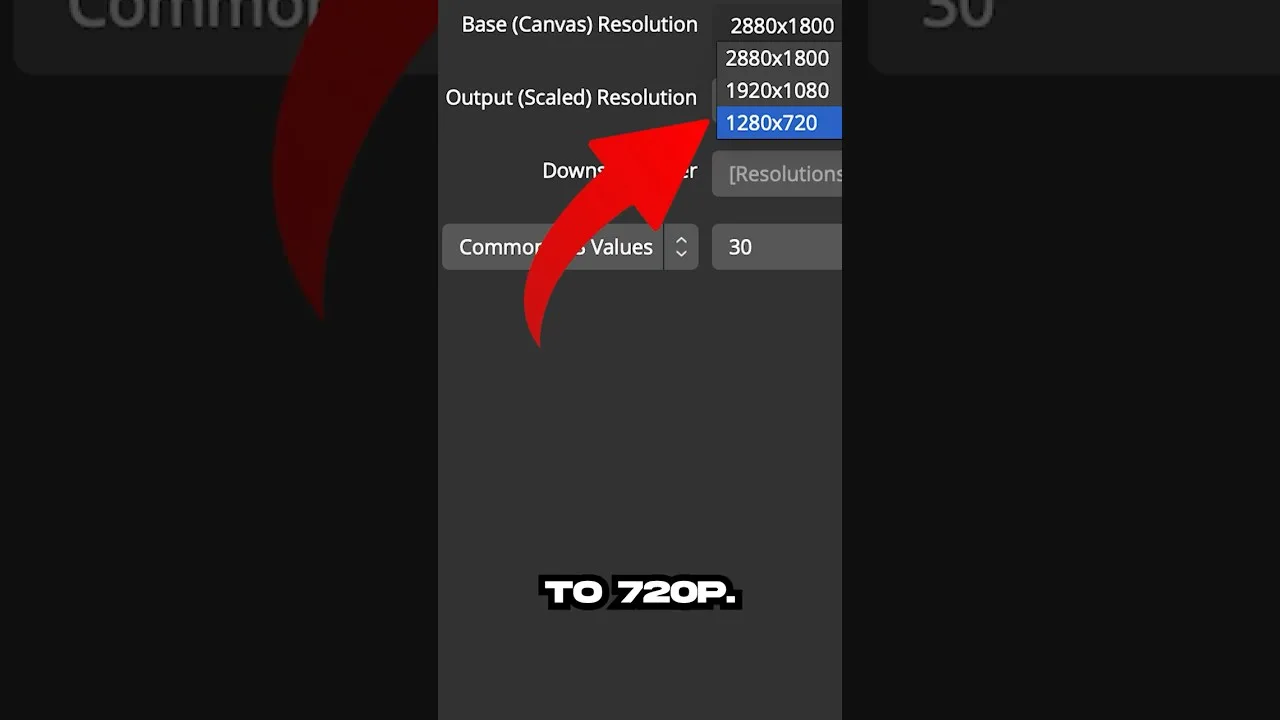
Standard quality is the sweet spot on small, lower-resolution screens: the picture still looks good at phone size while the processor and connection work far less hard. For downloads, standard definition also halves the storage each episode claims — a double win on a small phone.
Streaming while charging helps too, because a phone near empty throttles performance to protect the battery. Let it breathe while charging; sealed in a thick case on a hot day it will slow itself to cool down. The full tuning picture is in our best settings guide.
Reduce Background Competition
Before a long session, close recent apps so the phone's limited memory belongs to the episode. Enable Do Not Disturb to stop notifications waking the screen mid-scene, and pause cloud uploads and large downloads until afterwards.
If episodes stall when the screen locks during listening-style viewing, check battery optimisation — aggressive power saving sometimes suspends the app, and exempting it is the fix.
Let Downloads Do the Heavy Lifting
On weak hardware and weak networks alike, downloaded episodes are the smoothest possible playback: no buffering, no mid-episode quality drops, and the processor works at an easy, steady load. A phone that struggles to stream may play downloads flawlessly.
Build the habit on home Wi-Fi — queue tomorrow's episodes tonight — and the low-end phone's limitations mostly vanish from your viewing life.
Final Thoughts
Free storage, sensible quality, a quiet background, and downloads doing the heavy lifting. None of it costs money, and together it turns a struggling budget phone into a dependable drama companion.