Dramas reward a big screen: faces carry these stories, and faces deserve more than five inches. There are two main routes to watch HI TV TV app content on a television — installing directly on an Android TV or box, or sending the picture from your phone — and this guide covers both, plus the connection habits that keep long episodes stable.
Choose by household: a dedicated install suits the shared family television, while casting suits personal viewing on any screen, including one that is not yours.
Option One: Install on Android TV or a TV Box
On an Android television or box, install the app as you would on a phone and navigate with the remote. Playback no longer depends on a phone's battery or proximity, and your series and categories are exactly where you left them.
Television storage is often small, so keep the box tidy: install what the household watches, remove what it does not, and the interface stays responsive. Device expectations per class are set out in our compatibility guide.
Option Two: Cast or Mirror From Your Phone
Where casting is available, start the episode on the phone and send it to the TV; the phone becomes the remote. Phone and television must share the same Wi-Fi network — the single requirement behind nearly every casting failure ever reported.
Plain screen mirroring is the universal fallback: it copies your whole display, notifications included, so enable Do Not Disturb before the opening scene. Quality sits a step below a direct install, but it works on almost any smart TV.
Connection Tips for Long Episodes
Router position rules the living room. A router shut in a cabinet or sitting on the floor behind the TV unit loses surprising signal; raised onto a shelf in the open, it often improves television streaming more than a faster internet package would.
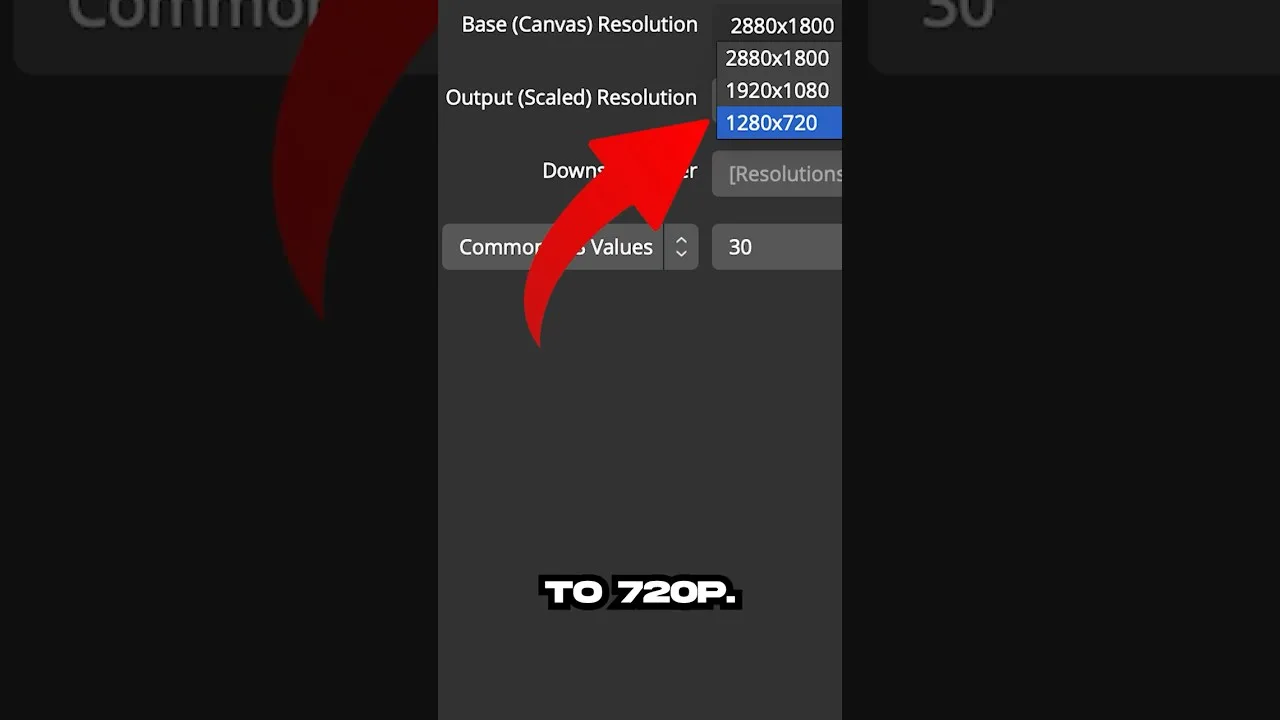
For the steadiest playback on a marginal connection, lower quality one level: a television reveals stalling far more cruelly than softness, and a slightly softer picture that never freezes beats a sharp one that stops mid-confession. Where home Wi-Fi truly cannot cope, episodes downloaded to the phone in advance remove the network from the evening entirely.
Making It a Household Routine
Agree the practicalities in advance: who holds the remote, where the household's series live in favourites, and how subtitles are set for shared viewing — text sized for the room, not for a phone. Small agreements made once turn drama night into a ritual rather than a negotiation.
Subtitles deserve that moment of setup on TV especially: what is legible at arm's length vanishes across a room. Our subtitle settings guide covers sizing and style in detail.
Final Thoughts
Direct install for the household TV, casting for everywhere else, a router that can breathe, and quality matched to the connection — that is the whole formula. Set it up once, test it before the series everyone is waiting for, and the television becomes the best seat in the house.